Native screen capture
Capture a full monitor or a custom Draw Area using a Windows-native recording pipeline.
NessStudio captures your screen, webcam, microphone, and system audio with a native Windows pipeline, project-based recording management, and FFmpeg export tools for final MP4, MKV, MP3, and WAV files.
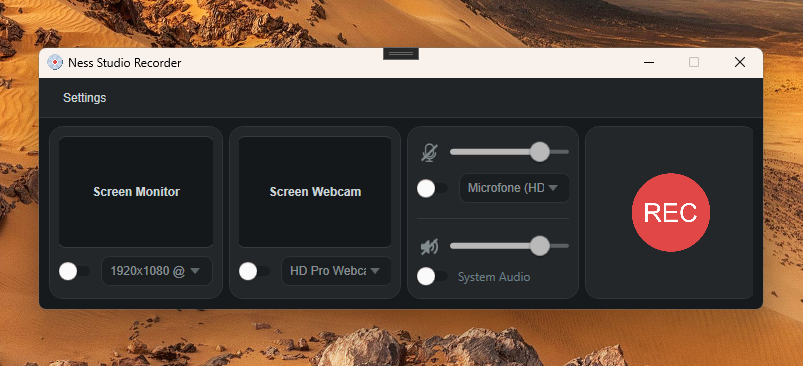
Designed for tutorials, classes, onboarding, technical support, gameplay tests, product demos, and everyday screen captures.
Capture a full monitor or a custom Draw Area using a Windows-native recording pipeline.
Record your webcam as an independent track, alone or together with your screen.
Capture microphone and system audio as dedicated WAV tracks for cleaner sessions and better exports.
Keep recent recordings organized, open their folders, export final files, or delete sessions when needed.
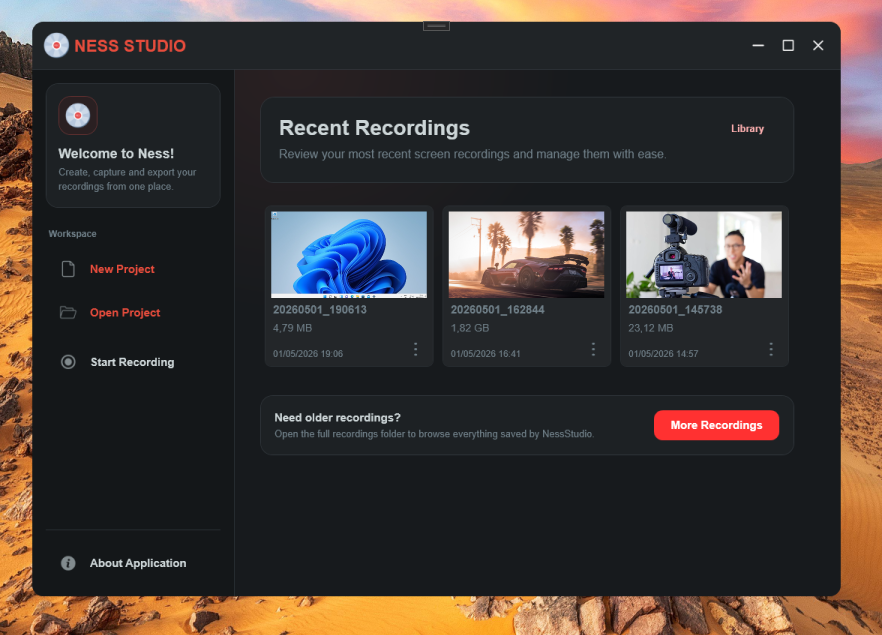
NessStudio records each selected source as part of the same session. Your screen, webcam, microphone, and system audio can work together or independently, giving you flexibility during capture and export.
Generate a single shareable file, keep separate tracks for editing, or export audio-only sessions.
NessStudio 2.0.0 Beta includes a dedicated export screen for turning recording sessions into final files. Choose a video layout, audio mix, container, and quality preset without leaving the app.
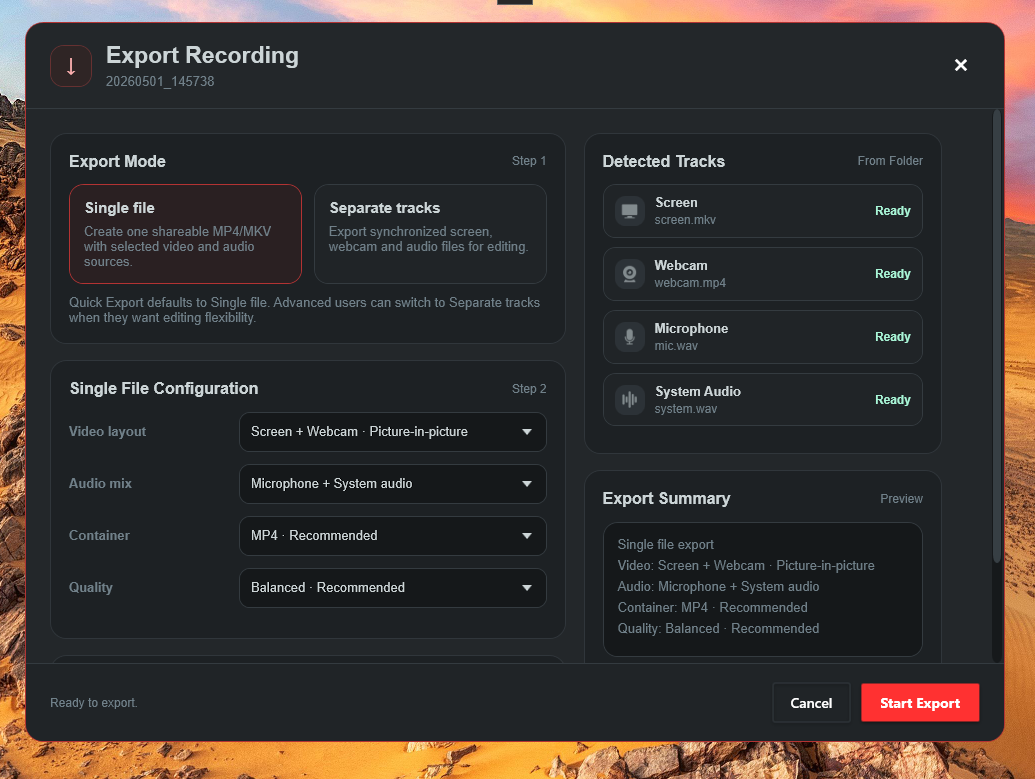
Combine screen, webcam, microphone, and system audio into one final MP4 or MKV file.
Keep synchronized video and audio files for editing in external tools.
Export microphone/system audio as MP3 or WAV when you do not need video output.
NessStudio is built for Windows 10/11 x64. Recording size depends on resolution, duration, selected sources, and export settings.
screen.mkv
webcam.mp4
mic.wav, system.wav, and optional exported .mp3 / .wav.
NessStudio 2.0.0 is currently a beta release. It is already usable, but hardware-specific behavior may vary.
Start recording your screen, webcam, microphone, and system audio with a modern Windows-native workflow.