Block-based writing
Create structured content with paragraphs, headings, lists, checklists, tables, code blocks, images, quotes, warnings, and delimiters.
Minimal Text Editor Lite helps you write structured notes with a distraction-free desktop experience, local storage, metadata, and exports to JSON, Markdown, HTML, PDF, and DOCX.
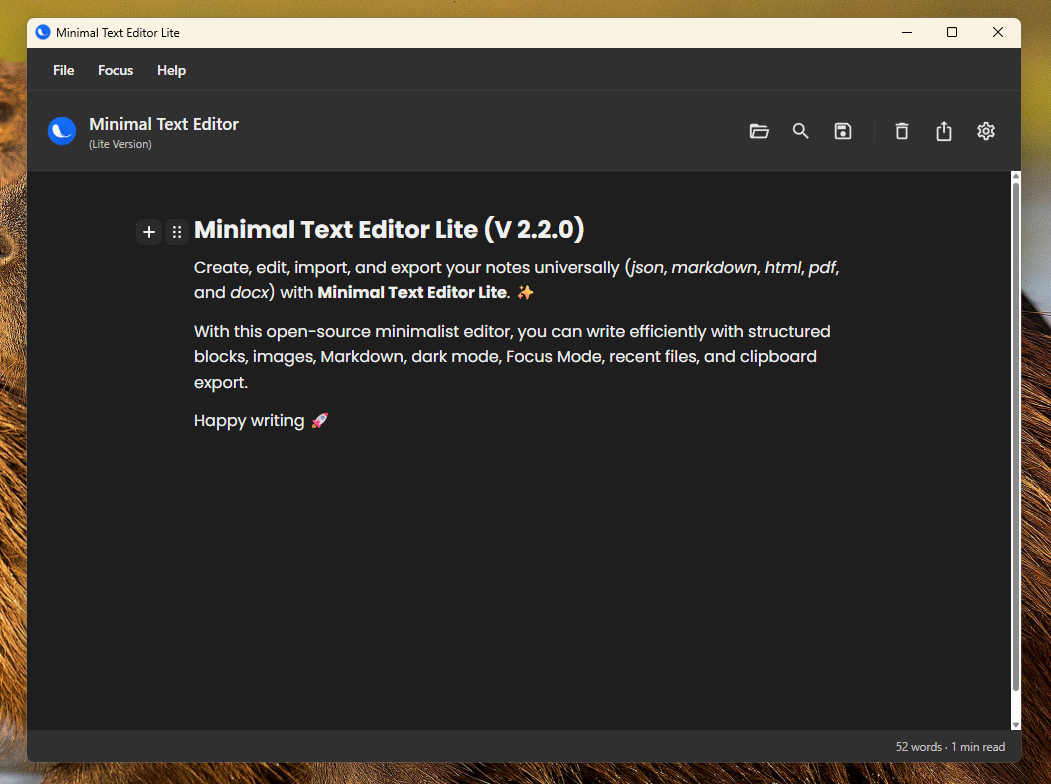
Write locally, organize your content, keep metadata with your notes, and export to formats that other tools can understand.
Create structured content with paragraphs, headings, lists, checklists, tables, code blocks, images, quotes, warnings, and delimiters.
Switch between comfortable visual modes and keep the editor aligned with your environment.
Your notes live locally through the desktop app, with fast access and no web account required.
Reduce visual noise when you want to write, review, or prepare a note for export.
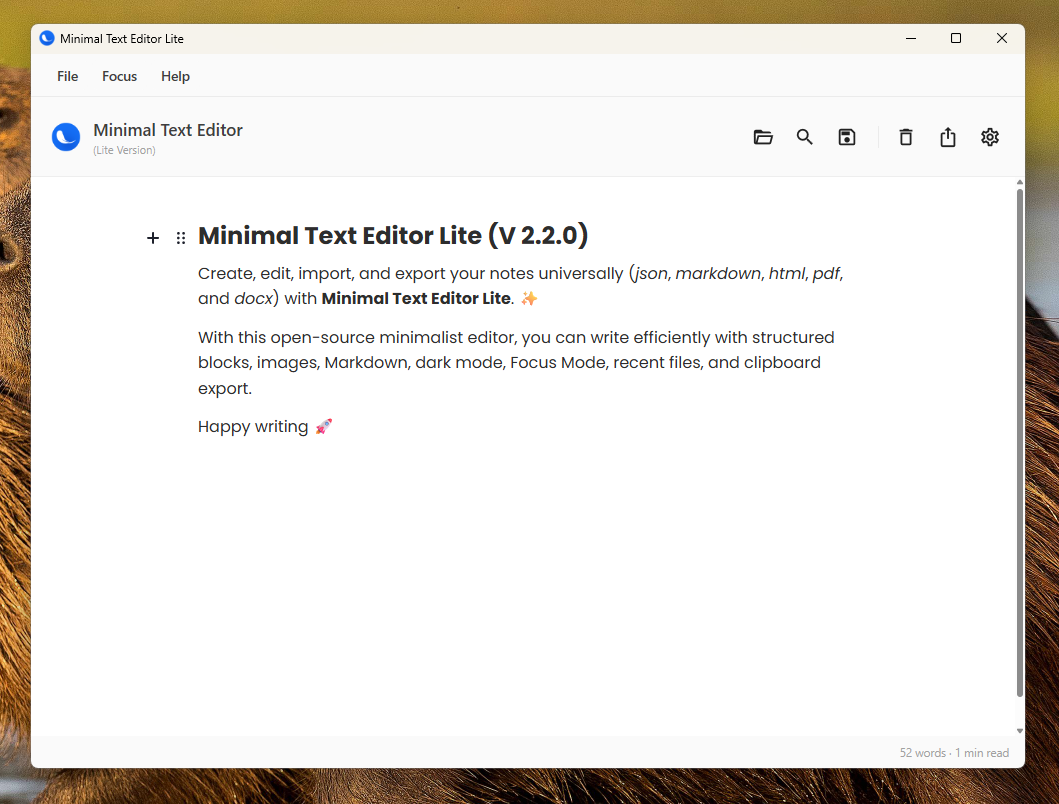
Minimal Text Editor Lite is intentionally simple: write your note, configure metadata when needed, and export it to a format that fits your workflow.
Version 2.2.1 expands metadata support across the export pipeline while keeping the application lightweight.
Exports the Editor.js document together with structured metadata.
Supports YAML front matter for blog and static site workflows.
Generates a standalone browser-friendly document with metadata tags.
Uses WebView2 / Chromium for clean print output, backgrounds, and emoji support.
Generated in-process with OpenXML and HtmlToOpenXml, without external executables.
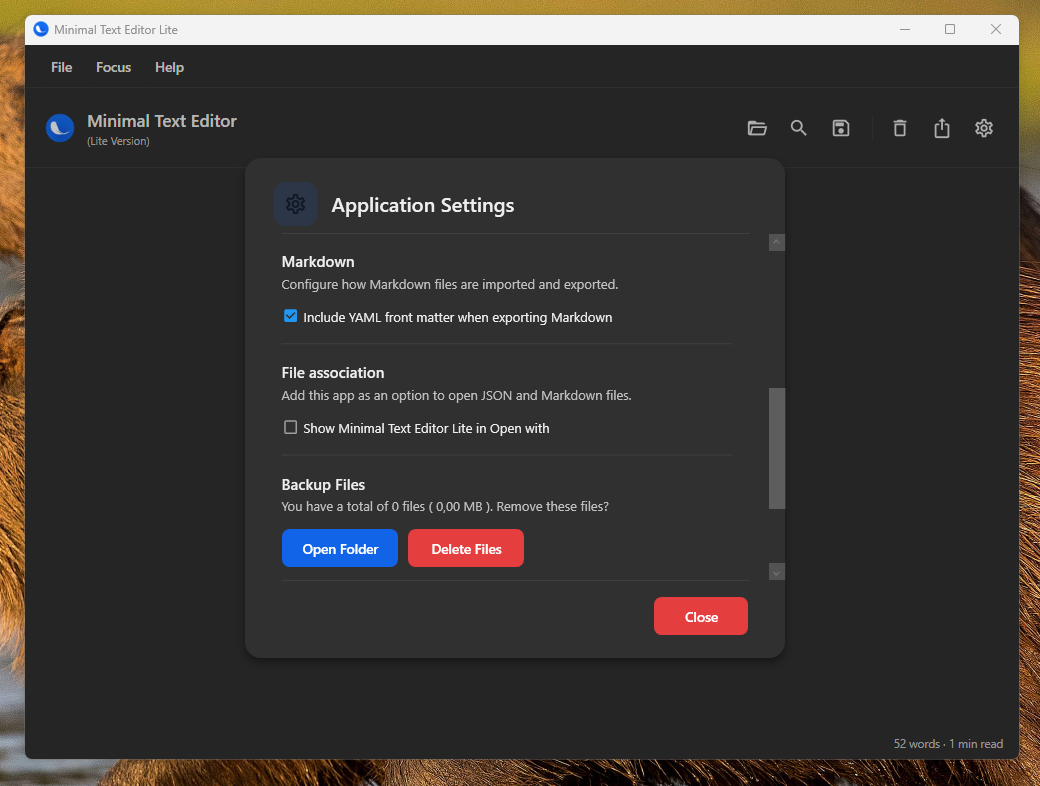
The app keeps configuration simple while still giving you control over language, appearance, backups, Markdown front matter, and export behavior.
Minimal Text Editor Lite is currently distributed for Windows x64.
Here are the main details about the Windows build, export formats, metadata, and project status.
Install the Windows x64 build, create your notes, add metadata when needed, and export them to the format your workflow requires.