EternalLoop 1.0.0 is available now

Turn your songs into endless music loops.

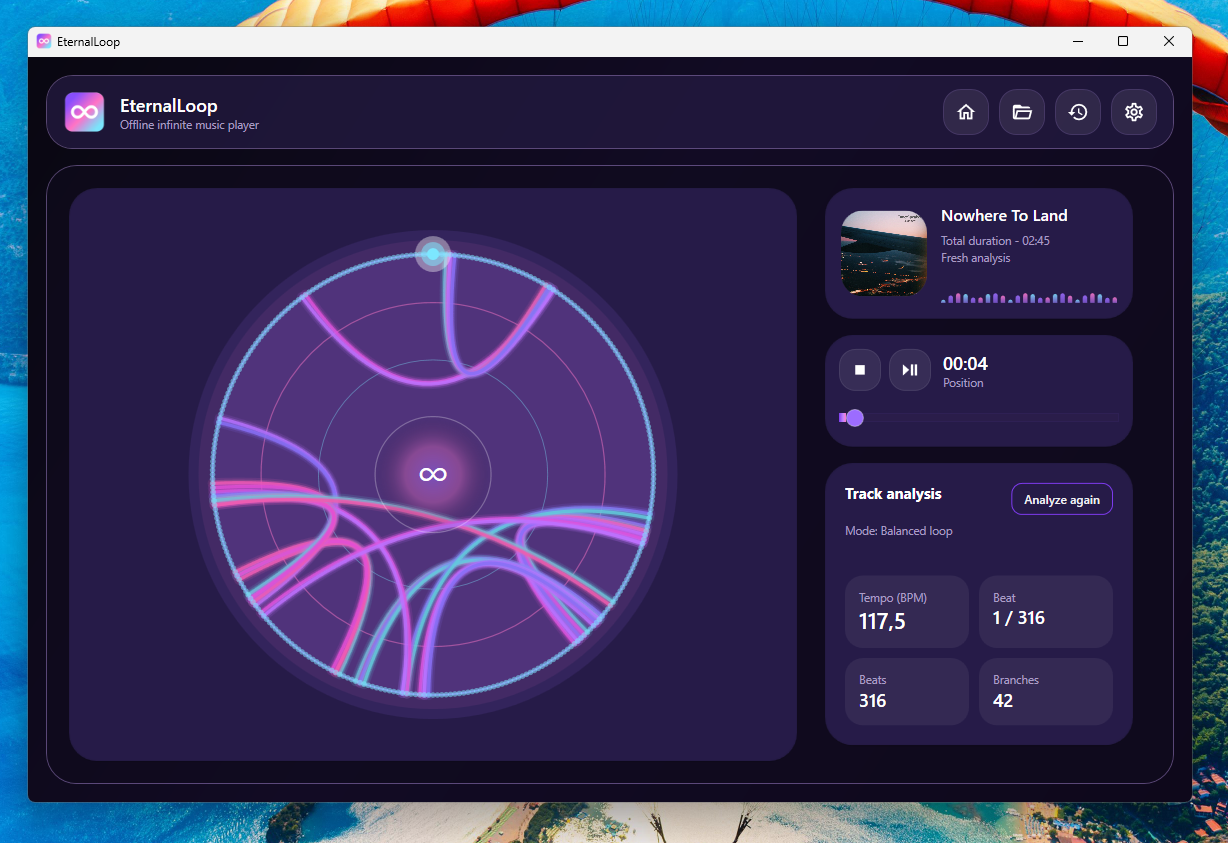
EternalLoop analyzes local audio files, detects beats, finds musical branch points, and creates seamless infinite playback without Spotify, Echo Nest, cloud APIs, or Python scripts.

Infinite playback Beat analysis Branch detection Local-first
EternalLoop player interface preview

A local infinite jukebox for your own music files.

Built for people who want to extend songs, explore repeated sections, and keep music playing without depending on online analysis services.

Local analysis

Analyze audio directly on your Windows machine. Your music is not uploaded to any cloud service.

Beat tracking

Detect beats and musical timing so jumps can happen on meaningful rhythmic points.

Branch detection

Find compatible jump points using timbre, pitch, loudness, bar position, and phrase-continuation checks.

Endless playback

Use a jukebox traversal engine with anti-repeat logic and end-guard protection to keep the song alive.
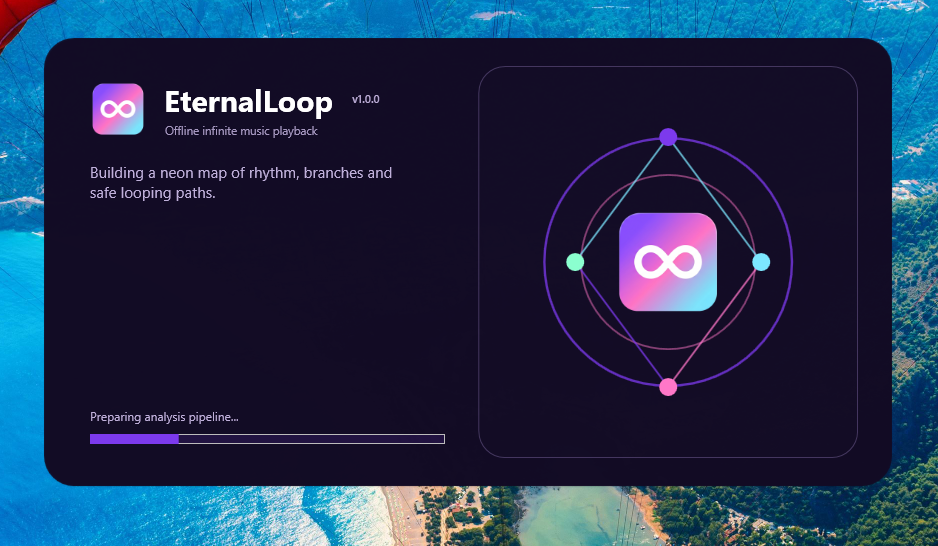
EternalLoop splash screen

Built for offline looping, not streaming-service dependency.

EternalLoop was designed as a local Windows app. It loads your own files, builds a loop map, caches the analysis, and lets the player jump through musically compatible branches.

No Spotify API or Echo Nest dependency.
No cloud upload required for audio analysis.
Analysis cache keeps previously opened tracks faster to reload.
Single-instance protection prevents duplicate app sessions.

More than random jumps between similar beats.

EternalLoop combines classic DSP features with branch-safety rules so loops feel more musical and less chaotic.

Basic loop tools

  • Repeat the same section manually.
  • Jump only by timestamp or waveform position.
  • Accept harsh cuts when sections do not continue well.
  • Can get stuck repeating the same branch too often.
  • Often depend on external services for analysis.

Fine-tune the loop behavior.

Choose between safer or more active playback styles. Conservative mode favors fewer jumps, Balanced is the recommended default, and Wild creates a more active infinite-jukebox experience.

Conservative for safer listening with fewer jumps.
Balanced for the recommended default loop behavior.
Wild for more active branch traversal.
Reanalyze tracks when you want to rebuild the loop map.
EternalLoop settings screen

Loop intelligence built into the player.

The app uses a set of musical safeguards to keep infinite playback usable, stable, and less repetitive.

Timbre matching

MFCC-style features help detect sections with similar sound texture.

Pitch matching

Chroma features help compare harmonic content between possible jump points.

Loudness awareness

Energy-aware scoring reduces jumps between sections that feel too different.

Bar position

Metric-position scoring helps avoid jumps that feel rhythmically shifted.

Phrase safety

Continuation validation checks if the destination keeps working after the jump.

Anti-repeat

Recently used branches are temporarily avoided so playback does not get stuck.

End guard

Safe jumps near the end prevent playback from falling off the track.

Local cache

Analysis results are stored locally for faster reopening of known tracks.

Supported audio formats.

EternalLoop is focused on common local music files and Windows desktop playback.

MP3 Supported for common music files and release testing.
WAV Supported for uncompressed audio and local test files.
FLAC Supported when the Windows audio stack can decode the file.
M4A / AAC Supported when compatible Windows Media Foundation codecs are available.

Requirements and distribution.

The public release is packaged for Windows x64 as a self-contained installer.

Operating system Windows 10 or Windows 11 x64.
Runtime .NET 8 self-contained build. No separate .NET installation is required for the release package.
Architecture Windows x64.
Internet Not required for audio analysis. Downloading the installer and source code requires internet access.
Source code Available as an open-source project on GitHub under the MIT License.
Frequently asked questions

Questions before downloading?

EternalLoop is a local infinite music player. It works best with songs that have clear rhythm, repeated sections, and stable tempo.

EternalLoop is a Windows desktop app that analyzes local audio files and creates infinite playback by jumping between musically compatible points in the song.
No. EternalLoop analyzes audio locally on your computer. It does not require cloud processing, Spotify, Echo Nest, or an online account.
No. Instead of restarting the track, EternalLoop builds a branch graph and can jump between compatible beats to create a longer, evolving playback experience.
Songs with clear beat structure, repeated sections, stable tempo, and similar chorus or verse patterns usually produce the best results.
No automatic system can guarantee perfect musical jumps for every track. EternalLoop uses several scoring and safety rules to improve results, but complex songs can still produce imperfect branches.

Ready to turn your music into an endless loop?

Download EternalLoop for Windows x64, open a local song, wait for analysis, and let the player build an infinite branch map.